How to Make a Game with AI: Easy Steps for Beginners
Discover how to make a game using AI tools effortlessly. Empower your creativity with AI game development, turning ideas into playable experiences swiftly.
July 20, 2026 · Product News
## How to Make a Game With AI: A Beginner's Guide
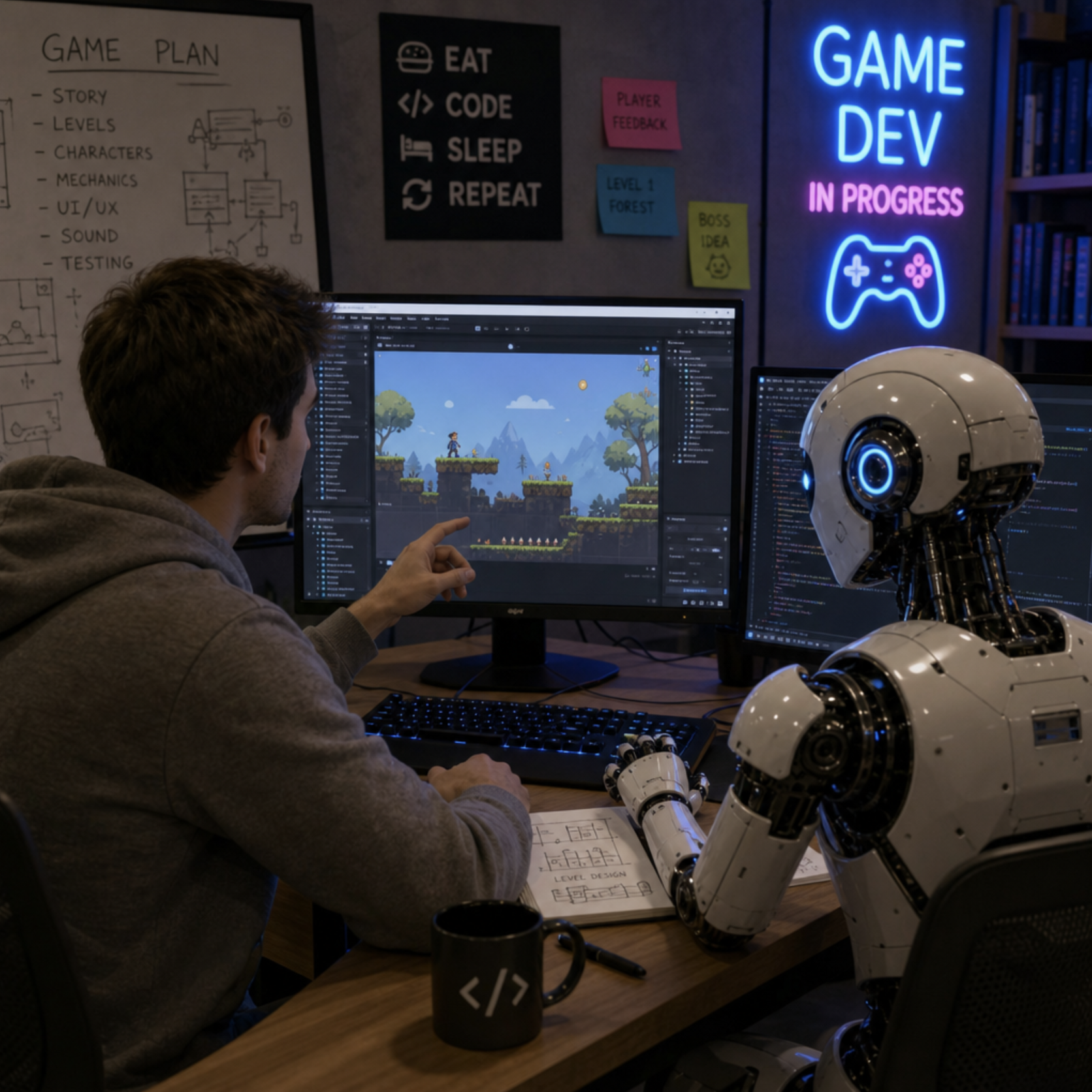
Ever wondered how to make a game but felt intimidated by the sheer mountain of technical skills required? Historically, game design demanded years of specialized training in programming, 3D modeling, and audio engineering. However, the landscape has radically shifted. If you want to learn how to make games with ai, you are stepping into the most accessible era of creation in history.
Artificial intelligence is no longer just a futuristic concept; it is a practical, everyday utility that acts as your personal co-pilot. Making games with ai empowers solo developers and small teams to punch far above their weight class, transforming mere ideas into fully playable experiences in a fraction of the time.

## Phase 1: Planning and Pre-Production
Every successful project begins with a blueprint. A well-organized, step by step indie game production pipeline starts with conceptualization and documentation.
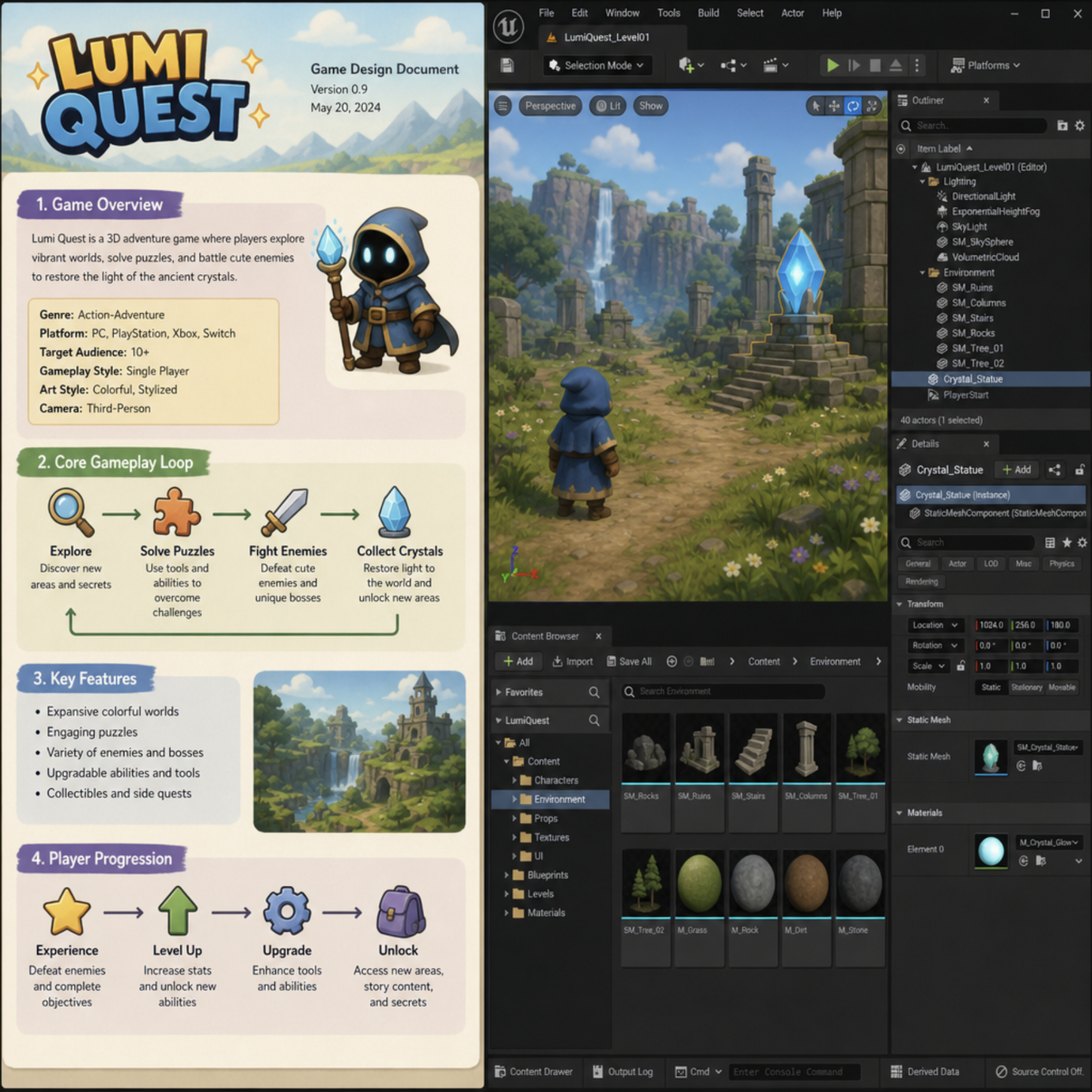
The absolute best way to solidify your vision is by writing a game design document (GDD). A GDD is a living file that outlines your game's core mechanics, story, target audience, and art style. When you create a game with ai, tools like ChatGPT or Claude can act as interactive brainstorming partners. You can feed an AI a basic premise, and it can help flesh out character backstories, generate branching questlines, or suggest unique gameplay loops.
Furthermore, you can generate ai concept art for games using platforms like Midjourney, DALL-E, or Stable Diffusion. Instead of spending weeks sketching out environments or character outfits, you can generate hundreds of visual references in minutes. This establishes a clear visual identity for your GDD before you ever open a game engine.
## Phase 2: Choosing Your Technology Stack
With your design document ready, it is time to select the software that will bring your world to life.
First, it is important to understand the difference between game engine and framework . A framework (like Monogame) provides the foundational code libraries, requiring you to build everything from the ground up. A game engine, on the other hand, provides a visual interface with built-in physics, rendering, and lighting systems. For the vast majority of creators, choosing the right game engine is the most practical path forward.
When evaluating unity vs unreal engine for beginners, consider your project's scope. Unity is incredibly versatile, dominating the mobile and 2D indie markets. Unreal Engine, featuring its powerful visual scripting system (Blueprints), is the industry standard for high-fidelity, hyper-realistic 3D graphics.
If traditional coding still feels like a barrier, there is an abundance of game development software for non-programmers. Tools like Construct 3, GDevelop, and GameMaker use drag-and-drop logic systems that allow you to build complex mechanics without writing a single line of text-based code.
### Exploring AI-Specific Platforms
What if you want AI to take the wheel entirely? Many creators are currently searching for the best ai game generator . While a magical button that outputs a finished AAA masterpiece does not exist quite yet, platforms like Rosebud AI and Ludo.ai are making incredible strides. You can easily find an ai game creator free of charge to experiment with text-to-game concepts. Using these platforms is a fantastic way to dip your toes into ai powered game development without feeling overwhelmed by complex user interfaces.
## Phase 3: Prototyping and Coding with Your AI Co-Pilot
The heart of any game is its gameplay. Before you invest time in beautiful graphics, you must focus on prototyping game mechanics and loops. A game loop is the core repetitive action the player takes (e.g., jump on enemies > collect coins > buy upgrades > repeat). Your prototype should use basic shapes to prove that this loop is actually fun.
This is where having an ai game coder revolutionizes the workflow. Tools like GitHub Copilot or advanced language models can write, debug, and explain code in real-time. For example, learning C# for game development (the native language of Unity) used to involve hours of scouring forums for answers. Today, an ai game developer assistant can explain complex syntax, generate player-controller scripts, and troubleshoot errors instantly.
Here are a few ways an ai gaming dev utilizes these tools for programming:
- Rapid Scripting: Ask the AI to write a script for a double-jump mechanic or a health regeneration system.
- Debugging: Paste broken code into the AI and ask it to find the missing semicolon or logical error.
- Code Explanation: Ask the AI to break down complex algorithms line-by-line so you actually learn the logic behind the code.
We are quickly approaching a reality where an ai creates game logic autonomously based on simple human prompts. Until then, embracing ai in game dev as a tireless coding tutor is the smartest move a beginner can make.
## Phase 4: Crafting the World -- Art, Audio, and Level Design
Once your prototype is functional and fun, it is time to replace those basic grey blocks with actual art and immerse the player in your world.
### Level Design Basics
A beautiful game is nothing without good flow. Mastering level design principles for beginners is crucial. You must learn to guide the player's eye using lighting, introduce mechanics in a safe environment before challenging the player, and reward exploration. Good level design feels intuitive; the player should always subconsciously know where to go next.
### Art and Assets
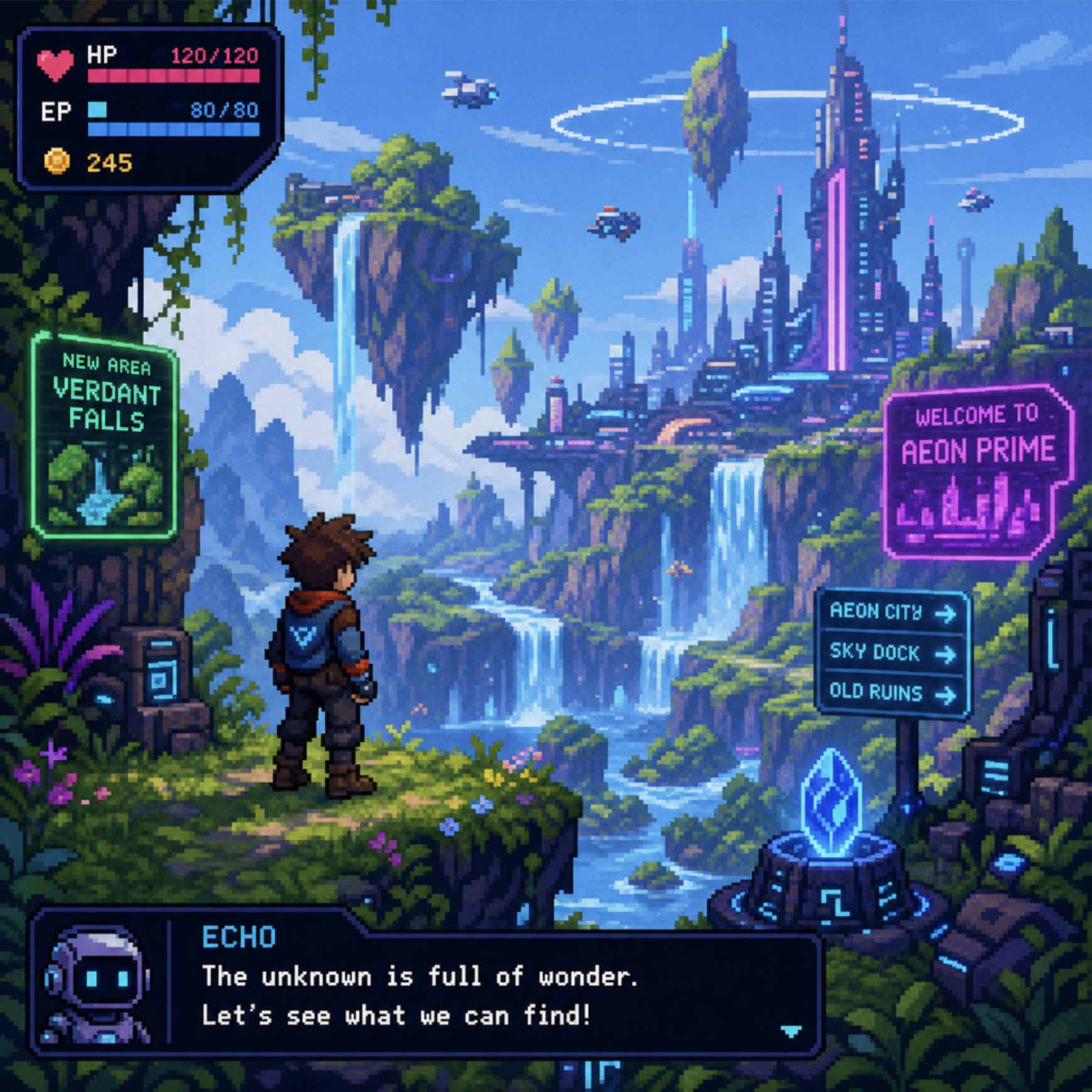
For 2D projects, creating 2d pixel art for video games remains a popular, timeless choice. You can use software like Aseprite to draw characters frame-by-frame, or you can use specialized AI image generators trained on pixel art to speed up sprite creation.
If you prefer to piece together existing art, the internet is packed with free assets for indie developers. Websites like Kenney.nl, Itch.io, and the Unity Asset Store offer thousands of royalty-free 3D models, UI elements, and textures that you can drop directly into your project.
### Bringing the World to Life with Sound
Never underestimate the power of audio. Integrating sound effects and music elevates a rough prototype into an immersive, emotional experience. The crunch of footsteps, the UI hover clicks, and the sweeping background orchestral tracks are what make a game feel "alive."
Today, an ai video game creator can utilize generative AI audio tools like Suno or ElevenLabs. You can generate custom sound effects, dynamic background music that fits the mood of your specific level, and even incredibly realistic voice acting. Using ai for game audio allows solo developers to bypass expensive licensing fees and studio time. If you truly want to make a video game with ai, leveraging AI-generated soundscapes is one of the most efficient ways to increase your project's production value.
## Phase 5: Overcoming Hurdles and Polishing Your Project
Making a game with ai does not mean the journey will be entirely devoid of challenges. You must be vigilant to avoid the common pitfalls in game development projects. The most notorious of these is "feature creep"—the dangerous habit of constantly adding new ideas to your game until the project becomes too massive to ever finish. Keep your scope small. It is better to release a polished 15-minute game than to abandon a messy 50-hour RPG.
As you near the finish line, beta testing and gathering player feedback becomes essential. Do not rely solely on your own perspective; after staring at the same project for months, you will become blind to its flaws. Have real people play your game while you silently take notes. Watch where they get stuck, listen to their frustrations, and adjust the difficulty accordingly.
While ai created games and assets are incredibly helpful, the human touch in refining the player experience is what separates a sterile ai generated video game from a memorable, beloved indie hit. AI can build the mechanics, but only a human can feel the "fun."
## Phase 6: Launching to the World
The final step is getting your creation into the hands of players. Learning how to publish games on Steam, Epic Games, or mobile storefronts is a project in and of itself.
Publishing requires compelling marketing materials: a captivating trailer, engaging capsule art (the cover image for your game), and a highly optimized store description. Once again, your AI tools can assist here by drafting press releases, suggesting marketing copy, and helping you identify the best SEO tags for your storefront page.
### The Future of Game Creation
When you choose to make games with ai, you are joining a revolution that is democratizing digital art. You no longer need a massive budget or a computer science degree to bring your imagination to life. By combining human creativity with the raw processing power of artificial intelligence, the barriers between an idea and a finished game have vanished.
Start small, utilize the tools available to you, and embrace the learning process. The world is waiting to play what you create.