Roblox AI Generator: Revolutionizing Game Development
Revolutionize game development with the Roblox AI generator. Discover how AI transforms Roblox Studio, offering tools like automated scripting and 3D material creation for seamless, creative game design.
July 17, 2026 · Industry Trends
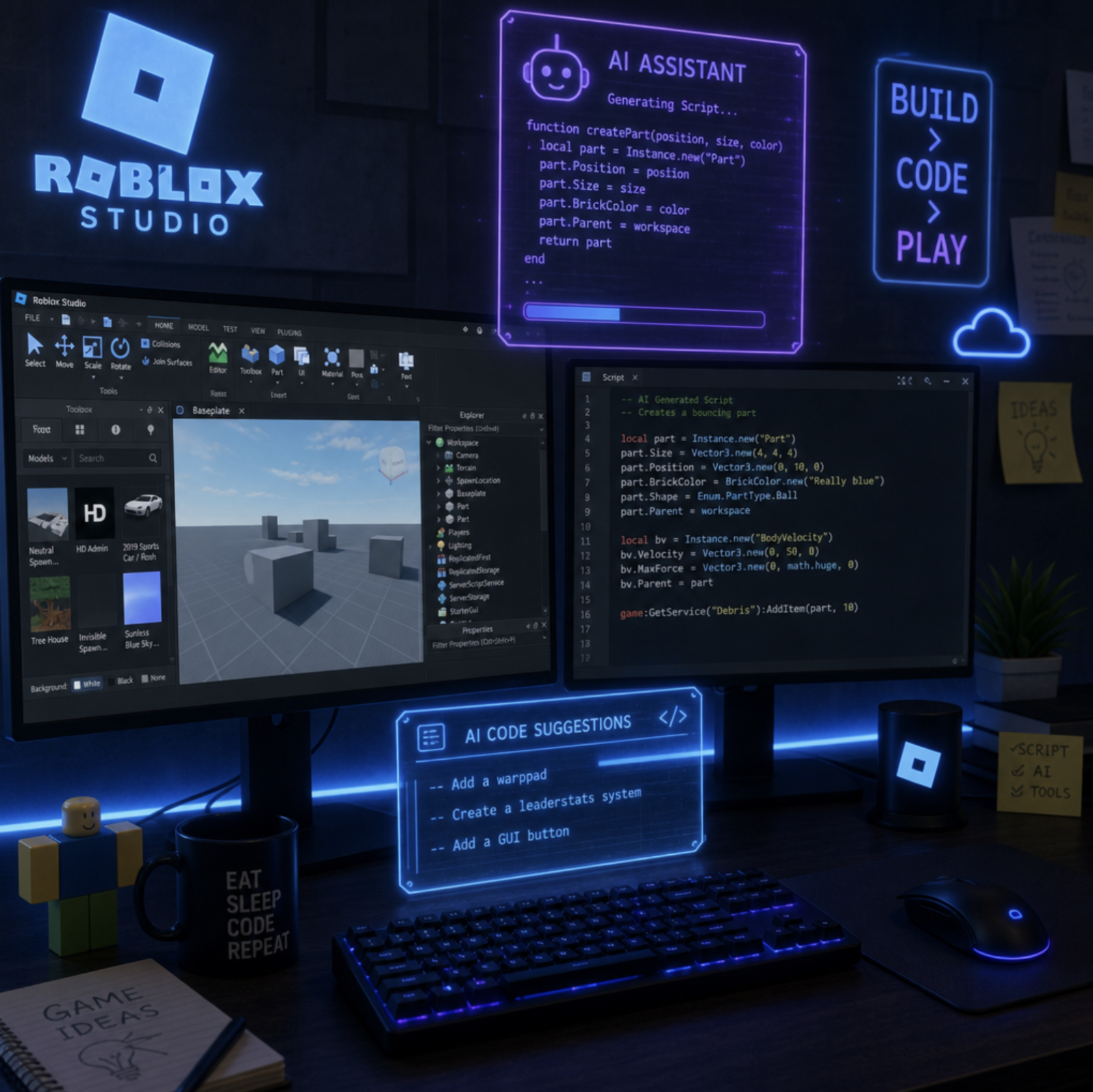
## Exploring the Future of the Roblox AI Generator
The landscape of game development is undergoing a massive transformation, and nowhere is this more apparent than on the Roblox platform. For years, building immersive worlds required a steep learning curve, extensive coding knowledge, and hours of painstaking 3D modeling. Today, the introduction of the roblox ai generator is completely rewriting the rulebook, empowering both seasoned developers and complete beginners to bring their wildest imaginations to life in record time.

If you have been wondering how artificial intelligence can streamline your workflow or help you break through creative blocks, you are in the right place. In this comprehensive guide, we will explore the cutting-edge AI tools currently reshaping Roblox Studio, provide practical tips for integrating them into your projects, and look at what the future holds for developers.
## What Exactly is a Roblox AI Generator?
When we talk about a Roblox AI generator, we are not referring to a magical button that spits out a fully finished, top-tier game in three seconds. Instead, we are looking at a powerful suite of generative ai for roblox creators built directly into the development environment.
These integrated tools utilize large language models and machine learning to understand your text-based prompts and translate them into usable game assets. Whether it is generating custom materials for a brick wall, writing a script to make a door open, or conceptualizing a 3D prop, the Roblox generator essentially acts as your personal coding and design assistant.
This evolution is a significant leap forward in ai game development. It lowers the barrier to entry, ensuring that a great idea is not bottlenecked by a lack of technical expertise.
## The Broader Shift: AI Tools Democratizing Game Creation
Roblox is not the only platform embracing this technology. The internet is currently teeming with options for aspiring developers. We are seeing the rise of the independent ai game creator, platforms that allow users to map out entire game mechanics using natural language.
Many creators look to external resources like make-video-games.com to learn about foundational game design, or seek out an ai game maker free no credits to prototype ideas before moving them into a dedicated engine. However, Roblox's unique advantage is its massive, built-in audience and its seamless roblox developer tools ai integration. Instead of bouncing between different third-party websites to generate code, textures, and models, Roblox developers can now do it all natively within Studio.
## Core Roblox Assistant Features Revolutionizing Studio
The native Roblox Assistant is the heartbeat of this new technological wave. By understanding the context of your specific 3D workspace, the Assistant can provide tailored help. Let's break down the key roblox assistant features that are changing the game.
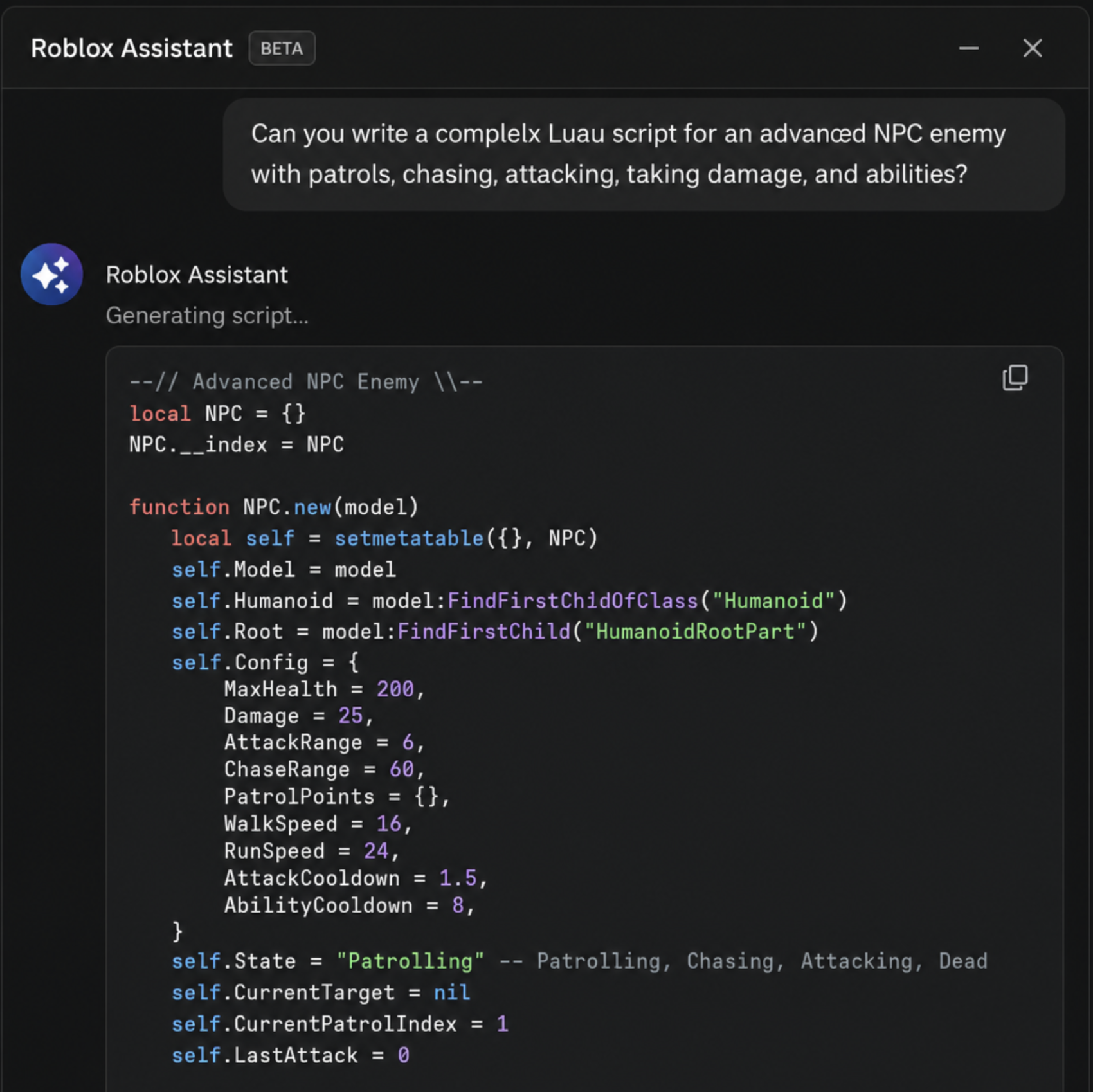
### 1. Automated Luau Code Generation
A question frequently asked by newcomers is: can ai make roblox scripts ? The answer is a resounding yes. Through automated luau code generation, the Roblox Assistant can instantly write functional scripts based on your conversational prompts.
For example, you can type, "Create a script that changes the color of this part to neon green when a player touches it," and the Assistant will generate the exact Luau code required. Beyond just writing new code from scratch, it is incredibly useful for fixing luau errors with assistant. If your game breaks and the output window is throwing red text, you can ask the Assistant to debug the snippet, and it will politely explain the syntax error and offer the corrected code.
### 2. Text to 3D Material Creator
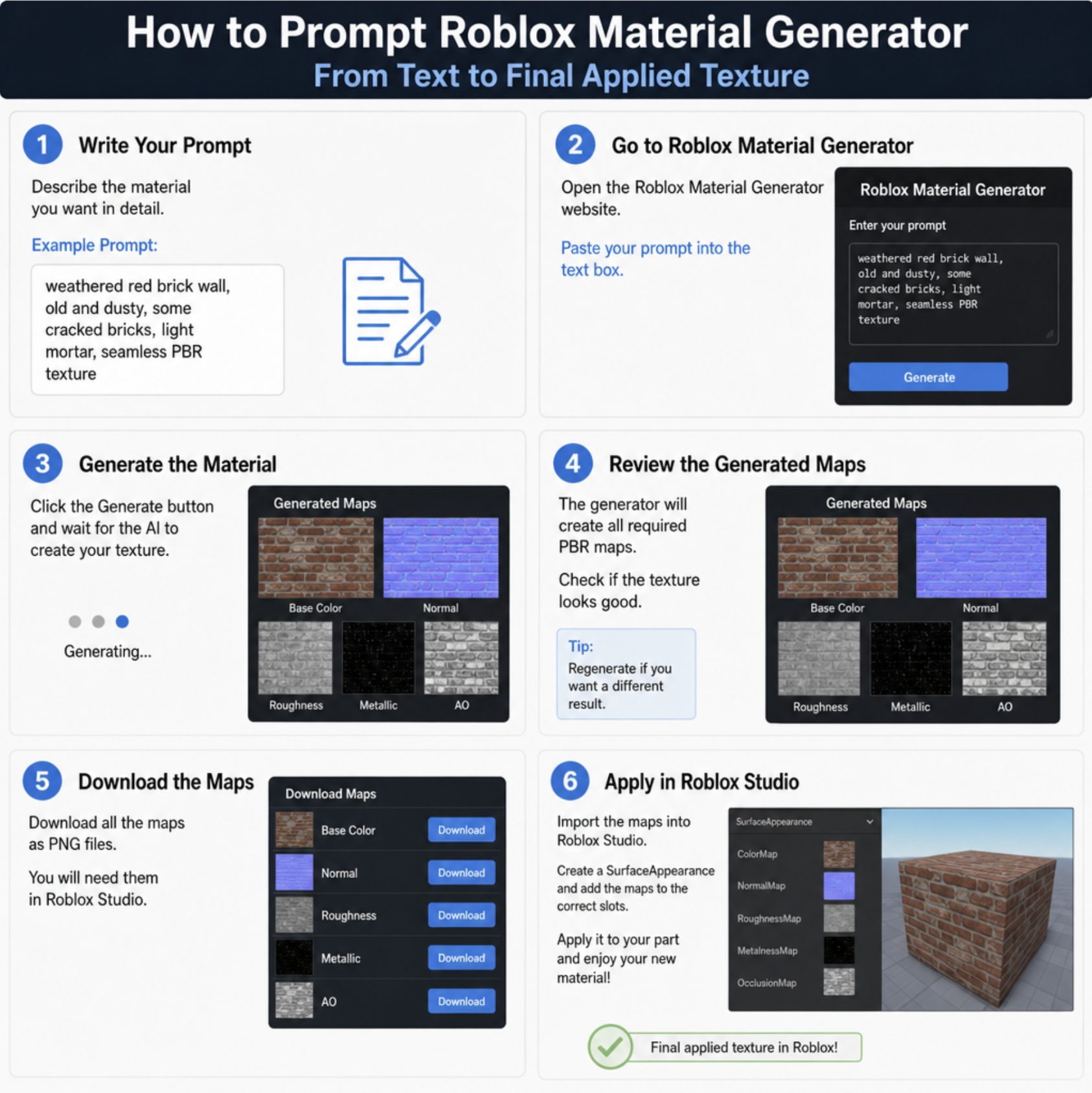
Gone are the days of endlessly searching external texture websites for the perfect flooring. With the text to 3d material creator, you can generate bespoke surface appearances using simple text prompts.
Need a cobblestone path covered in wet moss? Just type it in. Looking for alien metal with glowing blue veins? The AI handles it. If you are looking for a quick roblox studio material generator guide, the process is as simple as opening the Material Generator, typing your descriptive prompt, selecting the best variation from the AI-generated options, and applying it directly to your base parts.
### 3. Shaping Worlds and Characters
While still evolving, the push toward an integrated ai model generator and ai character creator is incredibly exciting. Currently, developers can use AI to conceptualize asset variations and streamline the rigging processes. Eventually, these tools aim to allow creators to type "a fantasy knight with rusted armor" and instantly receive a fully rigged, playable model, bypassing hours of manual mesh manipulation.
## How to Use AI in Roblox Studio: A Practical Guide
Understanding the theory is great, but applying it is where the magic happens. Here is a step-by-step look at how to use ai in roblox studio to enhance your daily workflow.
1. Enable the Beta Features: Because many of these tools are cutting-edge, they often start in beta. Open Roblox Studio, navigate to File > Beta Features , and ensure that the roblox studio beta ai tools (such as the Material Generator and Assistant) are checked. Restart Studio to apply the changes.
2. Open the Assistant Panel: You will find the Assistant icon in the upper right or under the View tab. This opens the conversational ai for roblox builders.
3. Be Specific with Your Prompts: The AI thrives on detail. Instead of saying, "Make a weapon script," say, "Write a Luau script for a tool that fires a red laser projectile when the player clicks, complete with a 2-second cooldown."
4. Iterate and Refine: The AI might not get it perfectly right on the first try. Use conversational follow-ups like, "Change the cooldown to 5 seconds and make the laser blue."
5. Apply Generated Assets: For materials, simply click the "Save and Apply" button on the generated texture variation you like best.
## AI vs Manual Scripting in Roblox: Striking the Balance
With all these advancements, a debate has naturally emerged: ai vs manual scripting in roblox. Will AI completely replace human programmers?
In short: no. The most successful developers use AI to augment their skills, not replace them entirely.
### Manual Scripting provides:
- Deep optimization for complex game loops.
- Complete control over custom architectures and frameworks.
- The ability to troubleshoot deeply integrated server-to-client communication.
### AI Scripting provides:
- Rapid prototyping of basic mechanics.
- Instant generation of boilerplate code.
- Quick explanations of unfamiliar API functions.
The best approach is a hybrid one. Use AI to generate the foundational scripts, then use your manual coding skills to tweak, optimize, and connect those scripts to your larger game systems. This balanced approach is the true secret to mastering the best generative tools for roblox.
## Maximizing Efficiency: Speeding Up Roblox Game Creation
At the end of the day, time is a developer's most valuable asset. Speeding up roblox game creation is the primary reason to integrate these tools into your pipeline.
Imagine participating in a weekend Game Jam. Previously, you would spend Friday night just setting up basic data stores and player movement scripts. Now, by leveraging generative AI, you can automate the boilerplate setup in minutes. You can populate your world with unique, AI-generated textures in an hour, leaving you the entire weekend to focus on what actually makes your game fun: the gameplay loop, the level design, and the user experience.
By treating the AI as an active collaborator, solo developers can output work at the speed of a small indie studio.
## Looking Ahead: The Future of AI on the Roblox Platform
We are only scratching the surface of what is possible. The future of ai on the roblox platform promises innovations that sound like science fiction today.
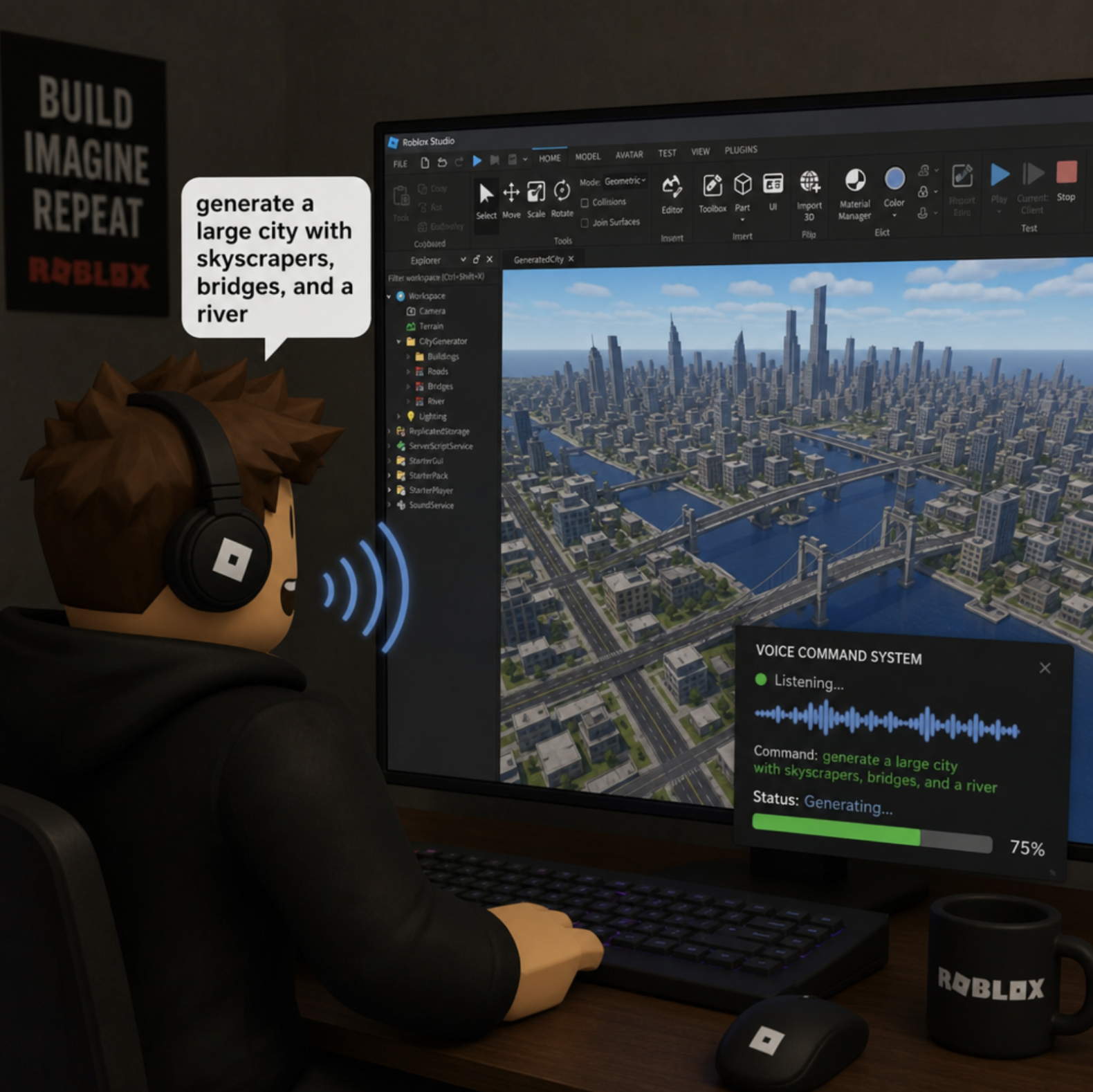
We can expect to see dynamic, AI-driven Non-Playable Characters (NPCs) that can hold real, unscripted conversations with players based on backend language models. We will likely see real-time 3D generation, where typing "build a spooky forest" will instantly populate your workspace with appropriately themed trees, fog, and lighting. Furthermore, enhanced real-time moderation and localization powered by AI will make games instantly accessible and safe for a global audience the moment you click "Publish."
## Conclusion
The integration of a roblox ai generator into the standard development workflow is not just a passing trend; it is a fundamental shift in how interactive entertainment is built. By embracing these intelligent features—from automated scripting to instant material generation—you can unlock new levels of creativity, bypass technical hurdles, and build immersive experiences faster than ever before. Jump into Roblox Studio, enable the beta features, and start conversing with your new AI assistant today. The metaverse is waiting for your next great idea!